Make a clean official photo in four steps.
Follow the flow from upload to download. The preview always stays in the required document-photo format.
Output
White background, JPEG format, 300 DPI metadata.
Privacy
Your photo is processed in the browser.
Step 1
Upload your photo
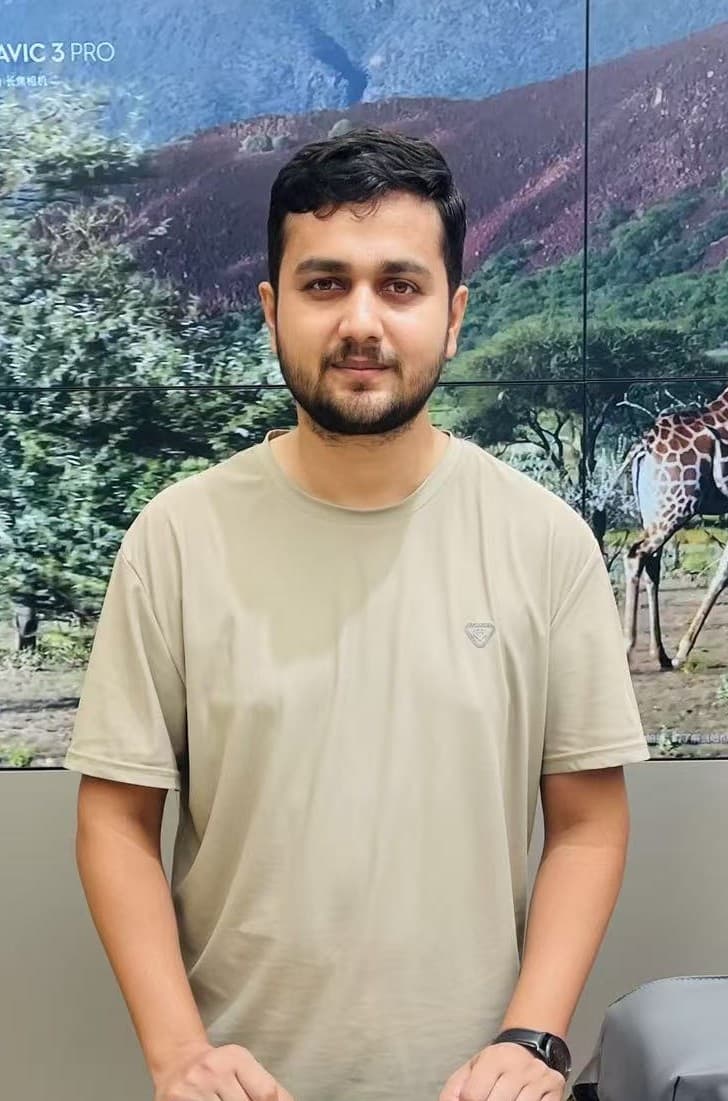
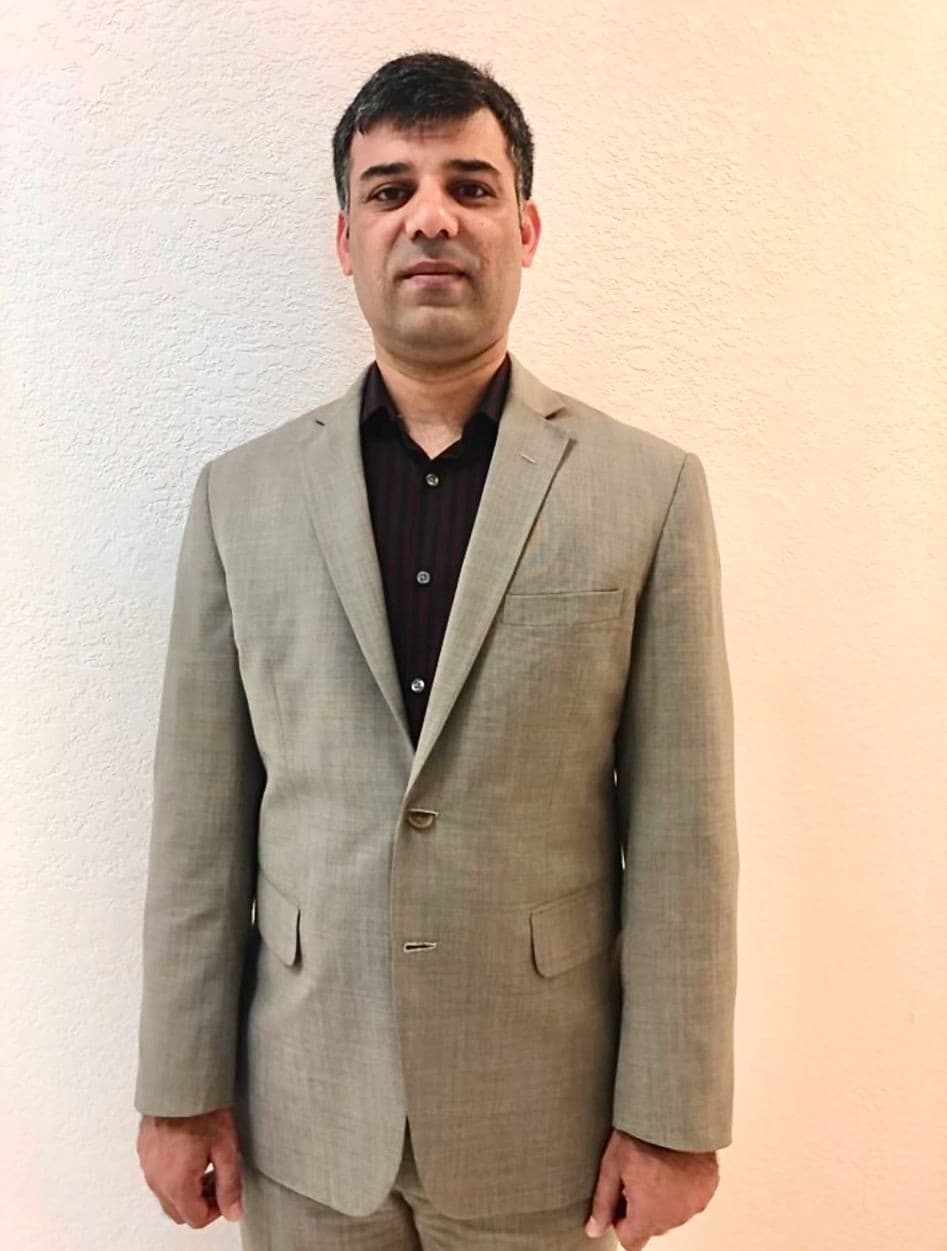
Choose a clear portrait with the face visible.
Step 2
Remove background
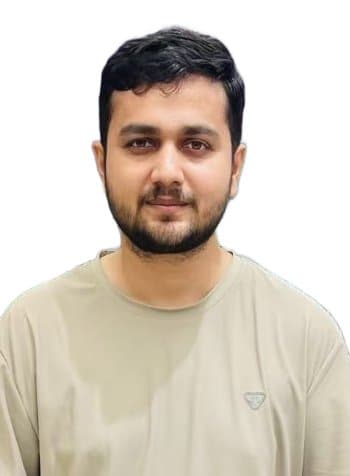
Place the person on a clean white background.
Step 3
Adjust and retouch
Drag, zoom, brighten, sharpen, and balance.
Step 4
Download final JPG
Export 350 x 476 px, 300 DPI, under 20 KB.

Create document-ready photos with PakistanHelp.
Upload a portrait, remove the background, align the person, retouch the image, and export a 350 x 476 JPG under 20 KB.
350x476
Pixels
300
DPI metadata
20 KB
Target size
Step 1
Upload Photo
Step 2
Remove Background
Step 3
Adjust Position
Drag the portrait directly inside the preview.
Use the zoom buttons below the preview image. The white background stays fixed while only the person layer moves.
Step 4
Image Retouch
Live Preview
350 x 476 Output
Step 5